What is Zera UI?
Zera UI is a modular combat HUD for The Elder Scrolls Online, built around high-readability action bar timers, stack and passive telemetry, configurable buff/debuff grids, unified resource bars, and native set cooldown tracking.
| Action Bar | Buff / Debuff Tracking | Sets & Cooldowns |
|---|---|---|
| Primary & corner timers, stack badges, cast bar, custom rules, and ultimate charge. | Group buff counters, class passives, toggles, whitelist/blacklist grids, and Off Balance. | Ready loops, proc animations, bar-mismatch indicators, and native set suppression awareness. |
Install · User guide · Changelog · Support
Note
Project status: Actively maintained for ESO API 101051. Bug reports and edge cases are welcome via Discord or email.
About the project
Zera UI began as a personal combat HUD and grew into a public, community-maintained release. It is completely free with no monetization. AI tools assisted with development and visual assets.
Visual direction was inspired by Hyperioxes' UI, with permission (hyperioxes.com).
General preview
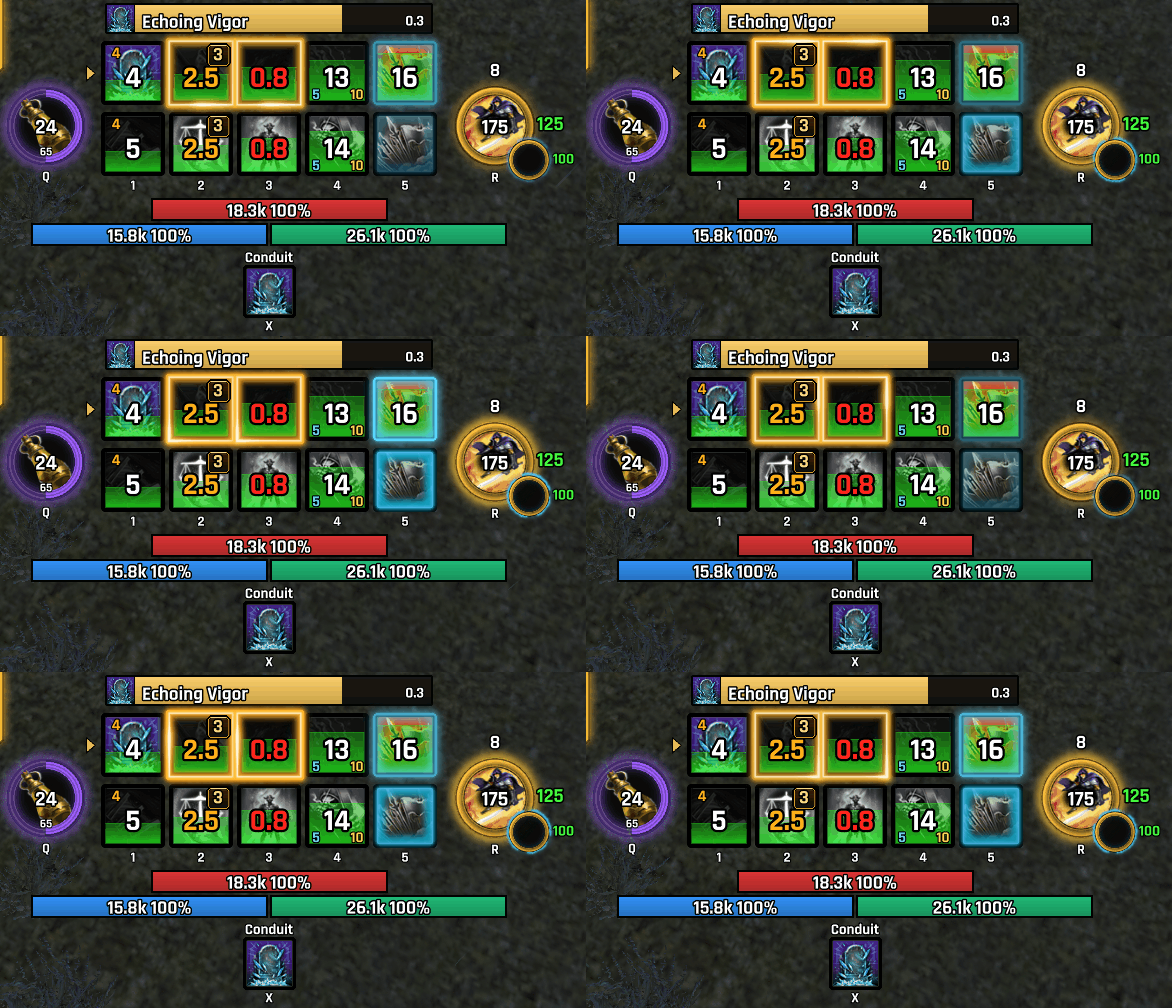
Live combat layout featuring the action bar, buff and debuff grids, set tracking, and custom resource bars.
Interactive HUD Editor
Layout and visual styling are handled directly on screen through the Interactive HUD Editor. Every active module can be positioned, resized, aligned to a snap grid, and styled in real time—including typography, outlines, spacing, bar modes, and color schemes—backed by transactional preview and rollback.
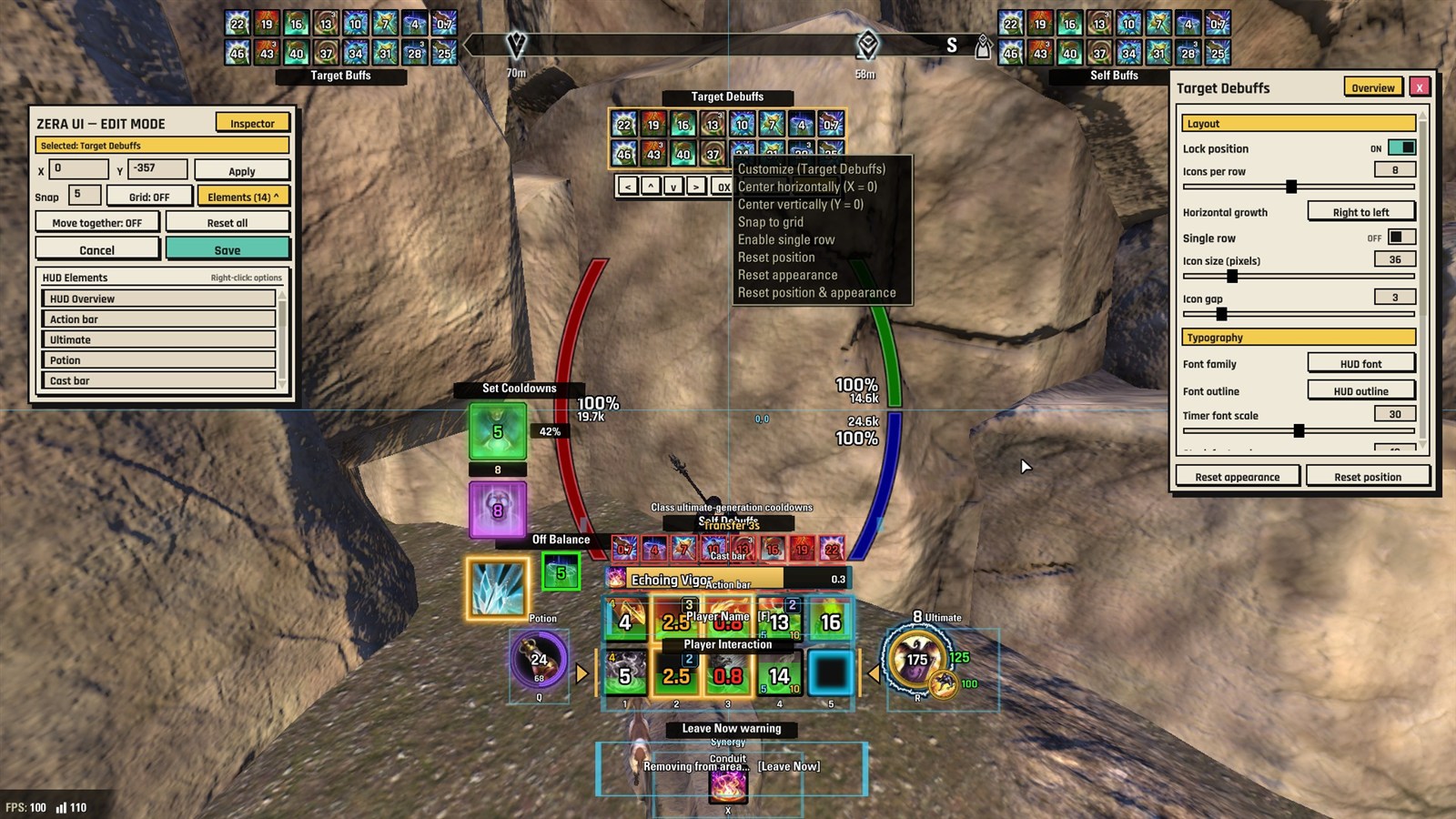
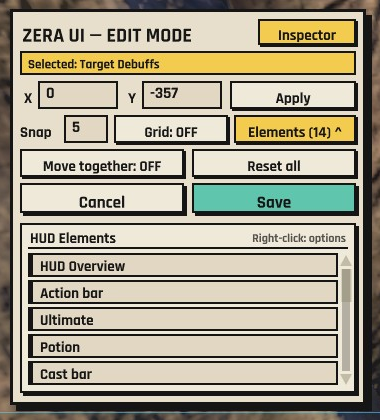 Edit Mode panel — coordinate readout, snap grid, and active HUD Elements index. |
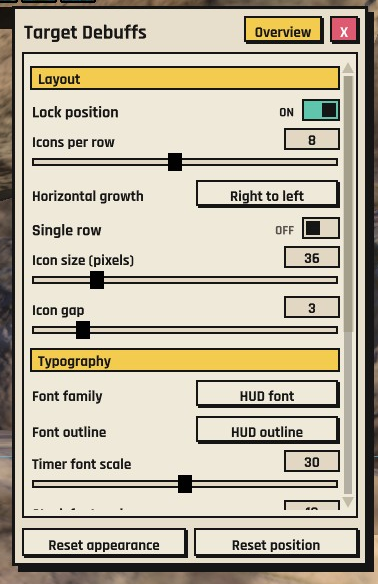 Live Inspector — real-time sizing, typography, layout, and color controls. |
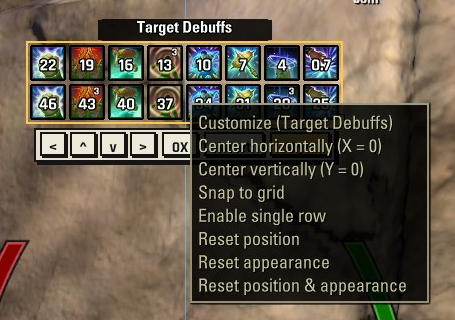 Nudge Bar & context menu — pixel-precision alignment, centering, and scoped resets. |
All visual edits remain synchronized with the streamlined 6-section Settings panel and apply without altering unrelated saved preferences.
Stack tracking
Stack-driven abilities trigger a ready pulse at their configured threshold (such as 3 Crux or 3 Molten Whip stacks) while keeping the live count legible in the corner badge.
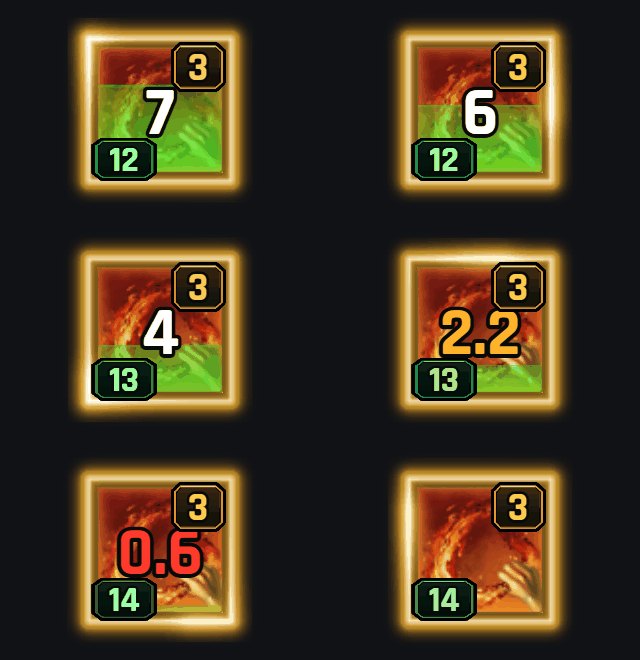 Max-stack pulse — threshold readiness cue on the ability icon. |
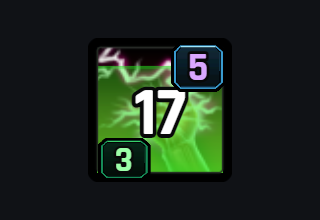 Multi-counter overlay — primary timer, stack badge, and secondary counter. |
Ulfsild ready state
Ulfsild's Contingency displays a blue ready frame while primed and transitions to the active effect timer and progress fill once triggered.
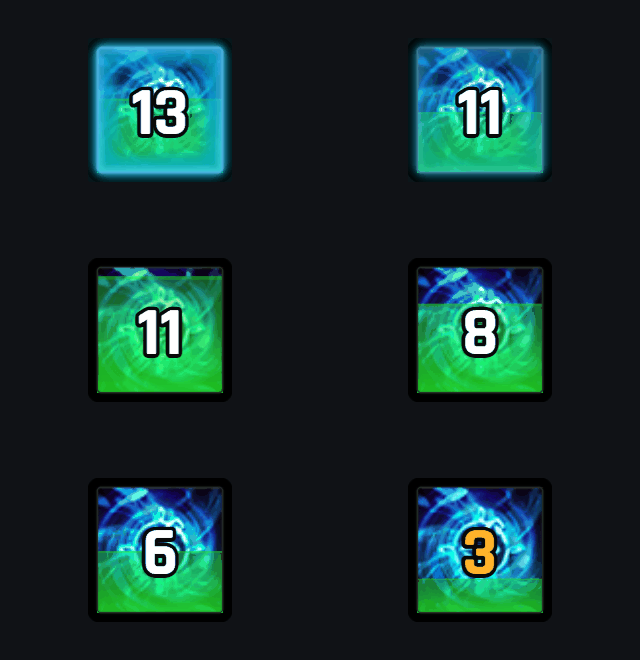
Class and passive tracking
Dedicated telemetry covers Class Mastery and build passives—including Arcanist Mastery (A/F), Nothing Wasted, Landslide / Inexorable Descent, Strike from the Shadows, and ultimate-generation passives—automatically reconciling across Subclassing swaps and skill respecs without requiring a UI reload.
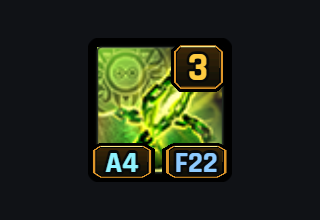 Arcanist — A/F mastery timers |
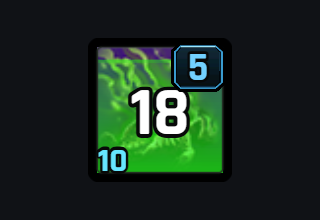 Necromancer — Nothing Wasted |
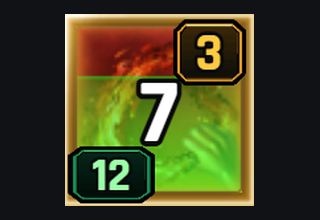 Dragonknight — Landslide stacks |
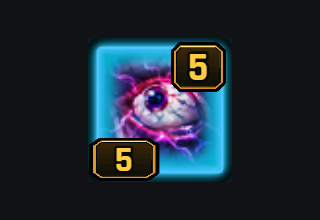 Vampire — Strike from the Shadows |
Group buffs
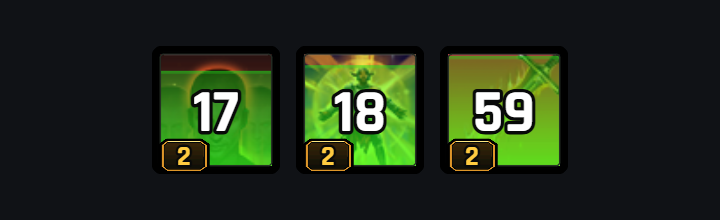
Shared group buffs such as Combat Prayer, Echoing Vigor, and Igneous Weapons pair the primary effect timer with a gold recipient counter.
Toggle and Vampire tracking
Active toggles such as Banner Bearer and Blood Frenzy display a blue active aura, while timed Vampire passives maintain an independent countdown.
Ultimate and Overload
The ultimate module displays live charge, readiness glow, and per-bar cost indicators (green when castable, red when insufficient). Active Overload adds a blue lightning ring around the charge arc, with an optional Gapless bright core halo style.
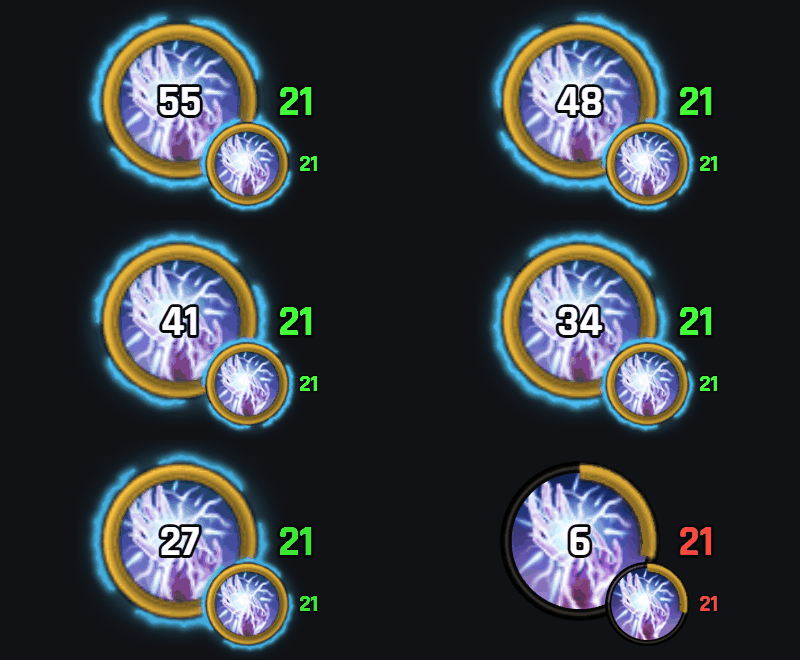 Overload active — blue lightning ring around the charge arc |
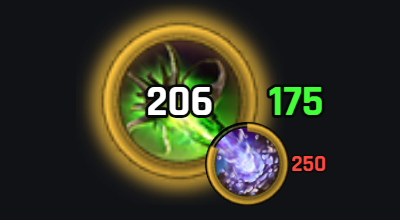 Ultimate cost — 206 available; 175 ready (green), 250 short (red) |
Active bar arrow
Four configurable indicator styles distinguish the active weapon bar:
- Classic — compact default arrow.
- Large — proportional arrow scaled with the action bar.
- Left — gold accent strip and large indicator on the left edge.
- Double — symmetric gold accent strips and indicators on both sides.
Quickslot and Ultimate offsets automatically clear larger arrow styles
only where overlap would occur, leaving custom positions untouched. You can
also enable Active bar on top to automatically keep the active
weapon bar on the top row on every swap, while Werewolf and single-bar forms
automatically center the skill row between Potion (Q) and Ultimate
(R).
Off Balance tracker
A dedicated target widget tracks the full Off Balance cycle across ready/proc window, active duration, and immunity phases with distinct color-coded rings.
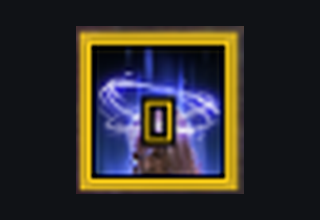 Wait / proc |
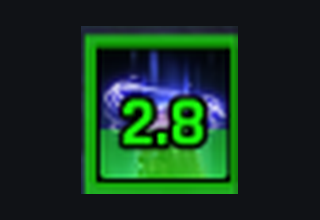 Active — 2.8s |
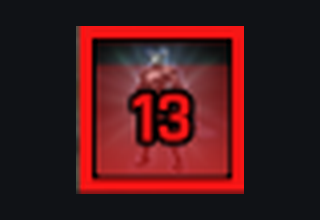 Immune — 13s |
Flame Lash and Power Lash
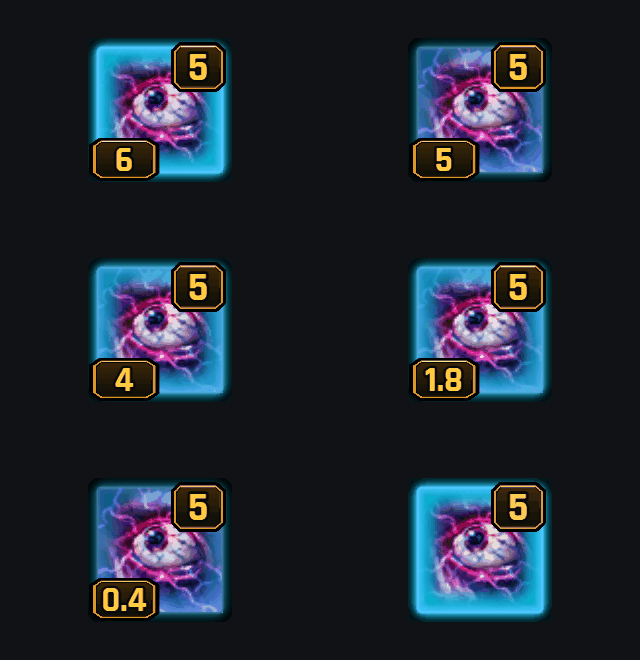
Flame Lash tracks the target's Off Balance state and your own Power Lash charges and cooldown:
- Power Lash — shows up to 5 remaining charges, the countdown of the 20-second activation window, and the gold ready loop. Charges and remaining active time are read directly from the game, without counting skill uses.
- Power Lash cooldown — if all charges are used early, the remaining time until Power Lash can be triggered again is shown in red, without the gold loop or stack counter. Switching targets does not reset this cooldown.
- Off Balance — once the Power Lash cooldown ends, the target's remaining Off Balance duration is shown in green.
- Immunity — the target's Off Balance immunity countdown is shown in red when the Power Lash cooldown ends.
Powerful Assault
Tracks per-member buff ownership directly from game effect events, displaying the active recipient ratio (e.g., 11/12) and earliest expiration timer on the set icon while preserving individual timers on Assault abilities.
Skill tracking and effect IDs
Each slotted ability supports a primary timer and two independent corner timers with configurable effect IDs, durations, fallback rules, optional center promotion on expiry, flash overrides, and manual cast-triggered timers (Fake Effect).
The integrated Effect Finder captures effects during casts for rapid rule assignment (workflow inspired by @SkullElf's DebuffTracker).
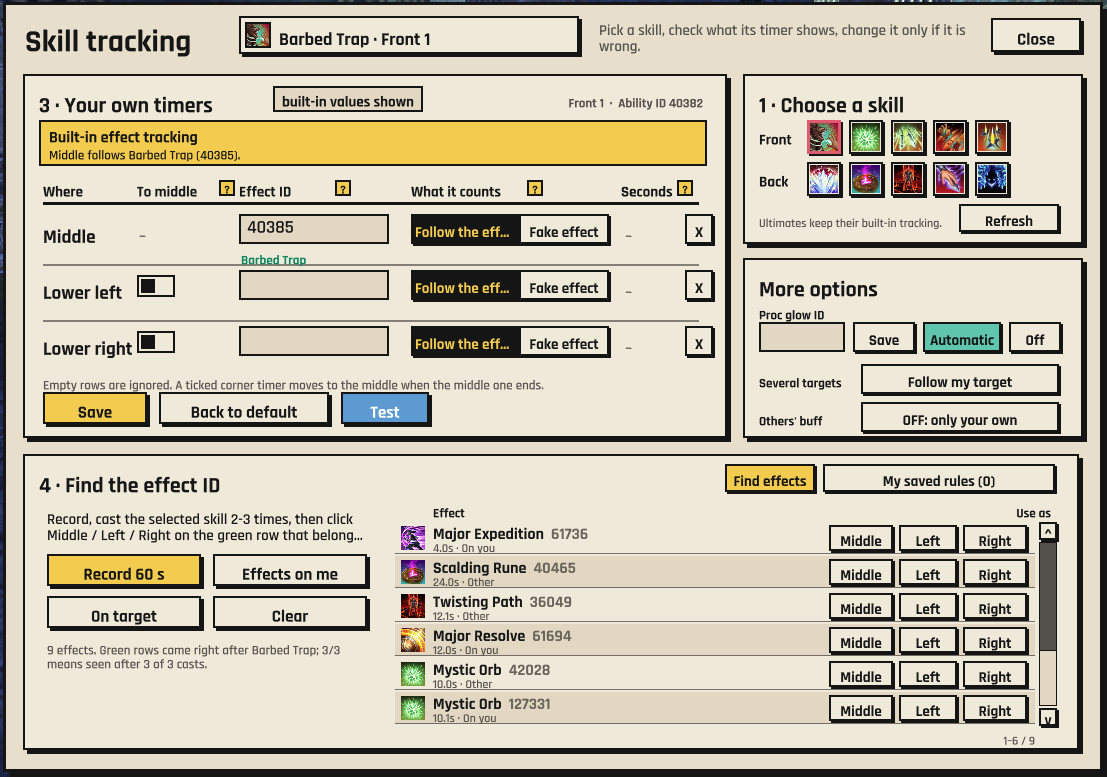 Skill Tracking Studio — custom IDs, timer slots, fake effects, and effect finder |
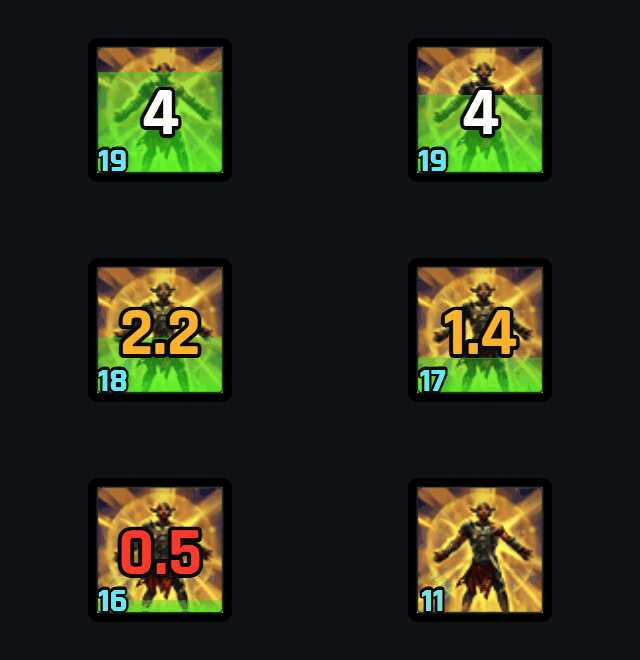 Secondary timer — primary countdown paired with an independent corner timer |
Set tracking
Equipped combat sets display a gold readiness loop, active proc animation, and desaturated off-bar state. Perfected variants and No-Proc Cyrodiil suppression resolve natively via ESO API 101051, Jorvuld's Guidance automatically scales supported Major buff durations by +40%, and release sets (e.g., Turning Tide) account for normal, critical, blocked, and shielded hits.
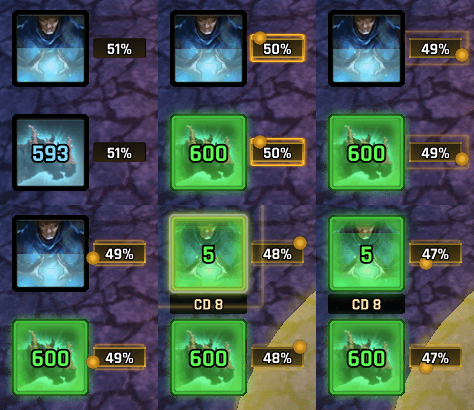 Ready — golden loop |
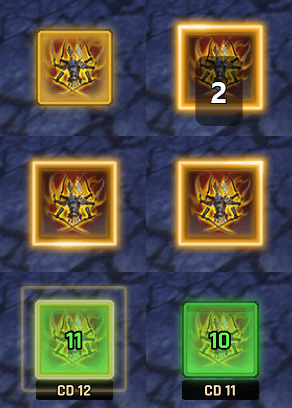 Proc — combat animation |
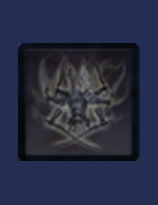 Inactive bar — desaturated |
Resource bars
Default, Custom, and Curved resource bars run on a unified
AttributeCore engine supporting stacked,
native, pyramid, and
curved layouts, with clean native bar restoration and
suppressed duplicate warning animations.
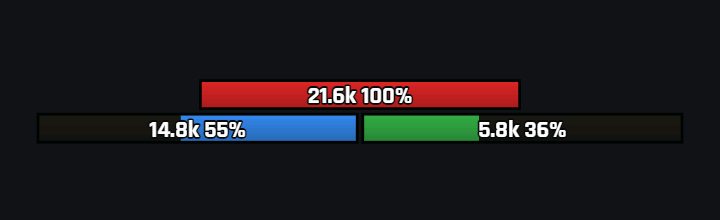
The curved layout flanks the character with a left health arc and right stamina/magicka arcs, adding:
- Regeneration tick bar — 2-second stamina tick indicator covering active regeneration (green), paused regeneration during block or sprint (red), and imminent-tick warning (yellow → orange).
- Dodge fatigue — stack progression from yellow (1) to red (5) with an outer decay arc (switches to mount stamina while mounted).
- Dodge threshold marker — projects post-dodge stamina and highlights red when a dodge cannot be afforded.

Installation
Requirements
The Elder Scrolls Online (PC / Mac) and LibAddonMenu-2.0 (r40+).
- Download ZeraUI v1.1.5 and extract into
Documents/Elder Scrolls Online/live/AddOns/so the manifest sits atAddOns/ZeraUI/ZeraUI.txt. - Enable Zera UI and LibAddonMenu-2.0 in Add-Ons.
- Access configuration in game via
/zerasetor Settings → Addons → Zera UI.
Documentation
- English user guide — complete reference for settings, modules, and slash commands.
- Türkçe kullanım rehberi — tüm ayarlar, modüller ve sohbet komutları.
Credits
| Credit | Contribution |
|---|---|
| Hyperioxes | UI design inspiration, used with permission. |
| @SkullElf | The Find the Effect ID workflow was inspired by the DebuffTracker addon. |
| AI tools | Assistance with code and visual assets. |
| Friends | Feedback and feature suggestions. |
Support
For bug reports, include your Zera UI version, ESO version, a screenshot, and reproduction steps.
- Discord:
Zerakthion - Email: selmanvural@outlook.com
Disclaimer
Zera UI is a free, fan-made addon. It is not affiliated with or endorsed by ZeniMax Online Studios. The Elder Scrolls Online and related assets are trademarks of ZeniMax Media Inc. Game icons and textures remain the property of their respective owners.